
Guide · Comparison · ESP32
Which dashboard library for your ESP32?
You want a screen or a phone to show what your ESP is doing — and maybe a few buttons back. Four popular tools do this very differently: RisalDash, ESPUI, ESP-DASH and Blynk. They're all good; they optimise for different things. Here's an honest look, so you pick the one that fits your project.
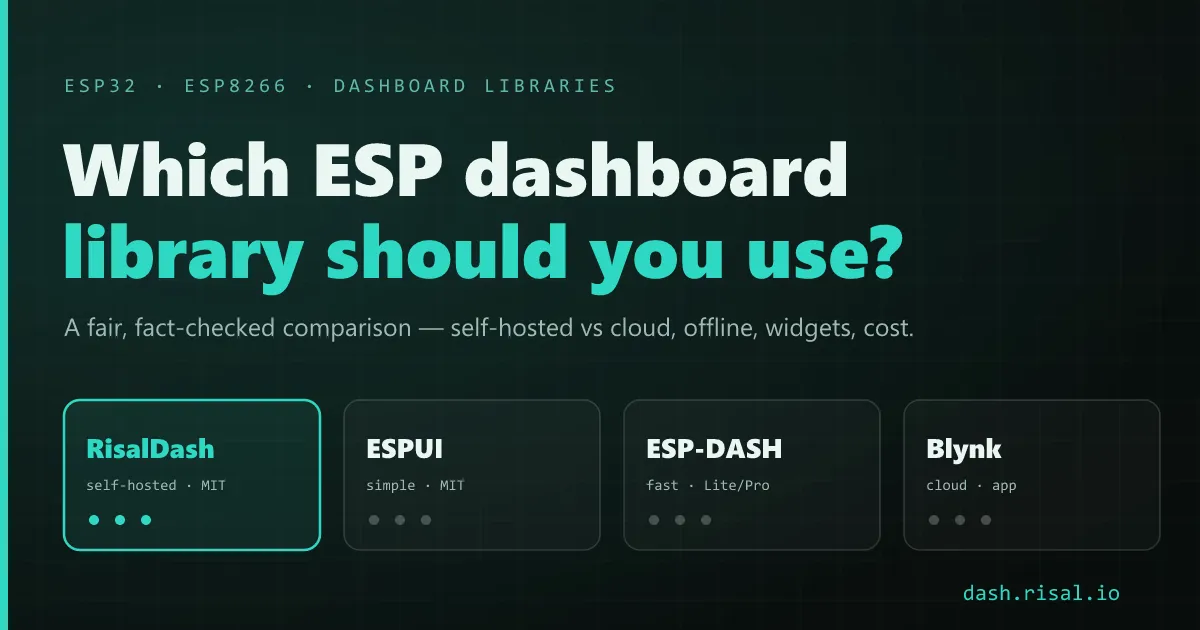
The first fork is self-hosted vs cloud. Three of these serve the UI from the chip itself over your LAN (works with no internet); one runs through a hosted cloud with a polished mobile app. Everything else — widgets, cost, languages — follows from that choice.
The four options
RisalDash (this project) serves a responsive web dashboard straight from the ESP: offline-first access point with a captive-portal Wi-Fi setup, real-time over WebSocket, 36 controls plus one-line presets for 70+ sensors, four languages with full RTL, an animated robot face, and AI control via MCP (every widget becomes a tool). Its built-in fake sensors let you build the whole UI before any hardware arrives. Free, MIT, and Zero-Waste — the linker drops widget types you don't use.
ESPUI is a simple, proven library for a minimal web UI on ESP32/ESP8266 over WebSocket. It runs in standalone AP mode with everything served from flash, using a small set of controls (sliders, switches, buttons, labels, graphs, a control pad). If you want something lightweight and battle-tested without many moving parts, it's a solid pick. Free, MIT.
ESP-DASH focuses on a fast, clean, on-device dashboard (ESP32, ESP8266, RP2040/RP2350). The Lite version is open-source with cards and charts; the paid Pro tier adds tabbed pages, more widgets (input card, joystick), logo branding and a responsive size engine. Great when you want a snappy local dashboard and don't mind Pro for the extras.
Blynk is a different animal: a full cloud IoT platform with an excellent native mobile app, push notifications, automations, OTA and fleet management across many devices. It's the strongest choice when you need remote access from anywhere and a polished app — the trade-off is that it runs through a hosted service (the free plan covers up to 5 devices; more needs a paid plan).
Side by side
| RisalDash | ESPUI | ESP-DASH | Blynk | |
|---|---|---|---|---|
| Hosting | on-device | on-device | on-device | cloud |
| Runs fully offline | ✅ AP | ✅ AP | ✅ local | needs cloud ¹ |
| License / cost | MIT, free | MIT, free | Lite MIT · Pro paid | freemium ² |
| Wi-Fi provisioning | ✅ captive portal | DIY | DIY | via the app |
| Widgets / presets | 36 + 70 sensors | focused set | cards/charts · more in Pro | rich app widgets |
| Multi-language + RTL | ✅ EN/RU/UZ/AR | — | — | app locales |
| AI / MCP control | ✅ built-in | — | — | HTTP API |
| Build with no hardware | ✅ fake sensors | — | — | — |
| Mobile app | web UI | web UI | web UI | ✅ native |
| Cloud fleet & alerts | — | — | — | ✅ |
¹ Blynk 2.0 is cloud-first; a legacy self-hosted server exists but is community-maintained. ² Blynk's free plan allows up to 5 devices / 1 user; more needs a paid plan. Facts checked July 2026.
How to choose
Need a polished phone app, notifications and remote access to a fleet? Blynk. You depend on a hosted service, but you get a lot for it. Want a fast, clean local dashboard and are happy to buy Pro for tabs and premium widgets? ESP-DASH. Want the simplest possible self-hosted UI with few dependencies? ESPUI. Want self-hosted and offline-first with a broad built-in widget/sensor set, four languages with RTL, AI (MCP) control and hardware-free prototyping — all MIT? That's where RisalDash aims.
For reference, a working RisalDash dashboard is genuinely a few lines — widgets bind to variables and the HTML/CSS/JS is generated for you:
#include <RisalUI.h>
RisalUI dash("Greenhouse");
float temp = 24.5, hum = 58;

void setup() {
  dash.gauge("Temp", &temp, 0, 50, "C");
  dash.metric("Humidity", &hum, "%");
  dash.beginAP("RisalDash", "12345678");   // offline access point + captive portal
}

void loop() { dash.update(); }              // live over WebSocket, no front-end code
Prototype a whole dashboard today — no board required.