
Guide · Firmware · Stacks
C++, Python or YAML? Choosing your ESP32 stack
The same ESP32 will happily run C++, Python, or a config file with no code at all. The right choice isn’t about “best language” — it’s about how much control you need versus how fast you want to be done. Here are the four stacks, and the kind of project each one wins.
C++ (Arduino) — the default, and for good reason
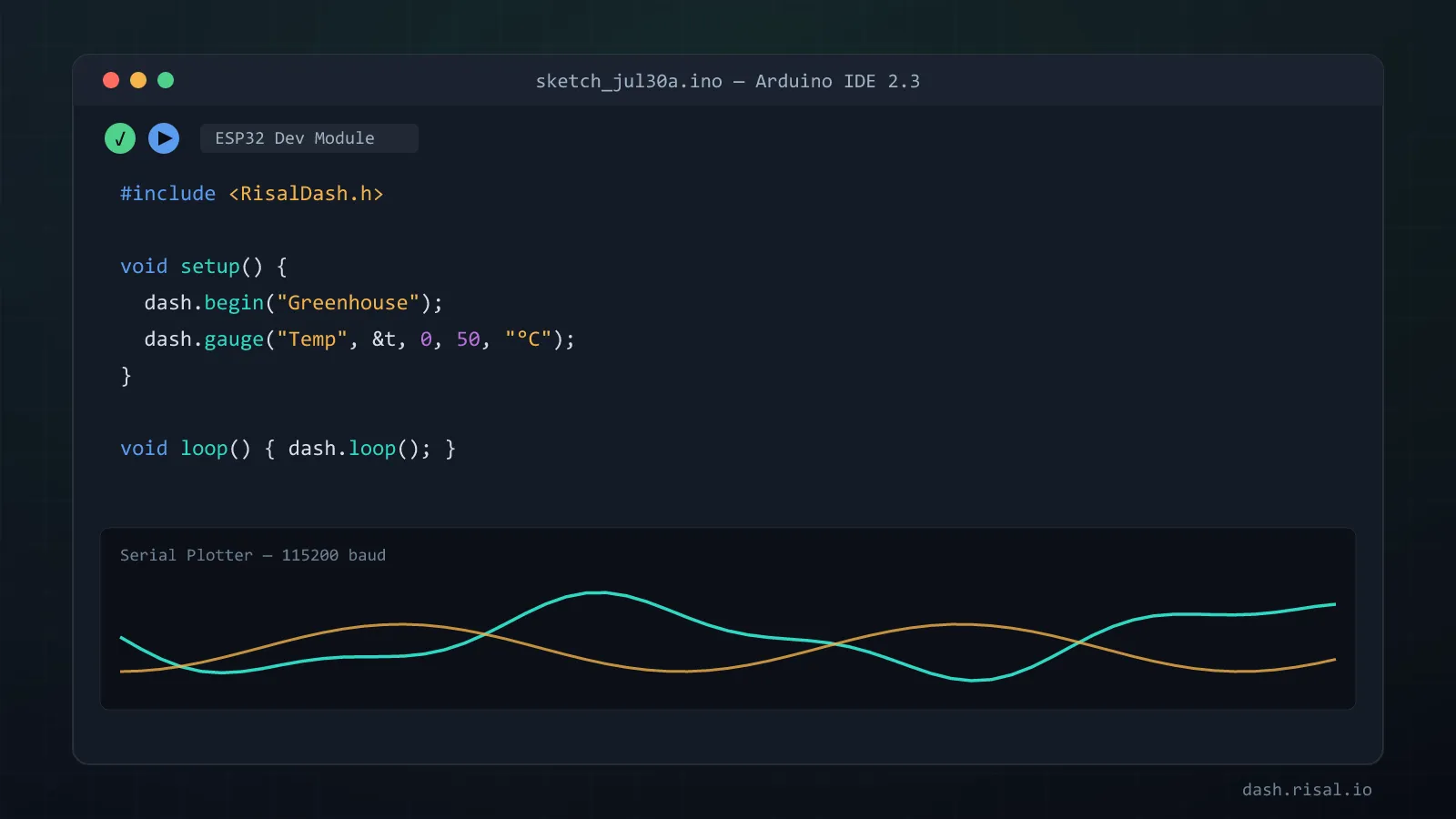
Arduino-flavoured C++ (in the Arduino IDE or PlatformIO) is where almost everyone starts and most people
stay. You get top performance on minimal RAM, direct hardware access, and a library for
practically every sensor and module ever made. The learning curve is real — pointers, setup()/loop(),
manual memory — but it’s the base for the vast majority of projects, and it’s what
RisalDash is built on. If you’re not sure, start here.
MicroPython — fastest to a working prototype
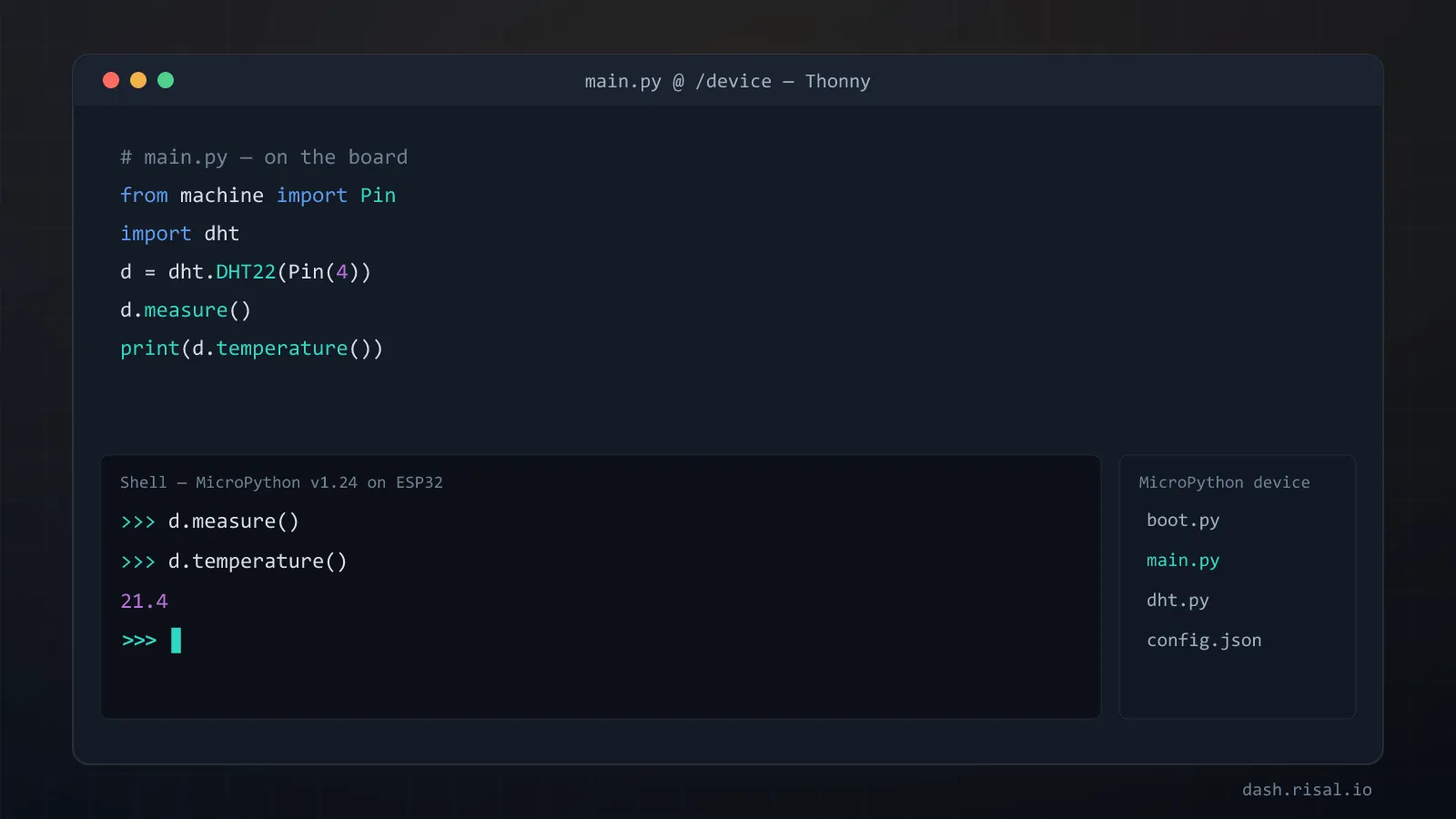
MicroPython (and CircuitPython) puts a Python interpreter on the chip itself: you paste code over a serial REPL and it runs instantly — no compile, no flash cycle. That tight loop makes it brilliant for learning, experiments and quick prototypes. The cost is speed and memory: Python is heavier and slower than compiled C++, so it’s less suited to tight timing or big projects. But for “does this sensor even work?” nothing gets you there faster.
ESP-IDF — full control, industrial-grade
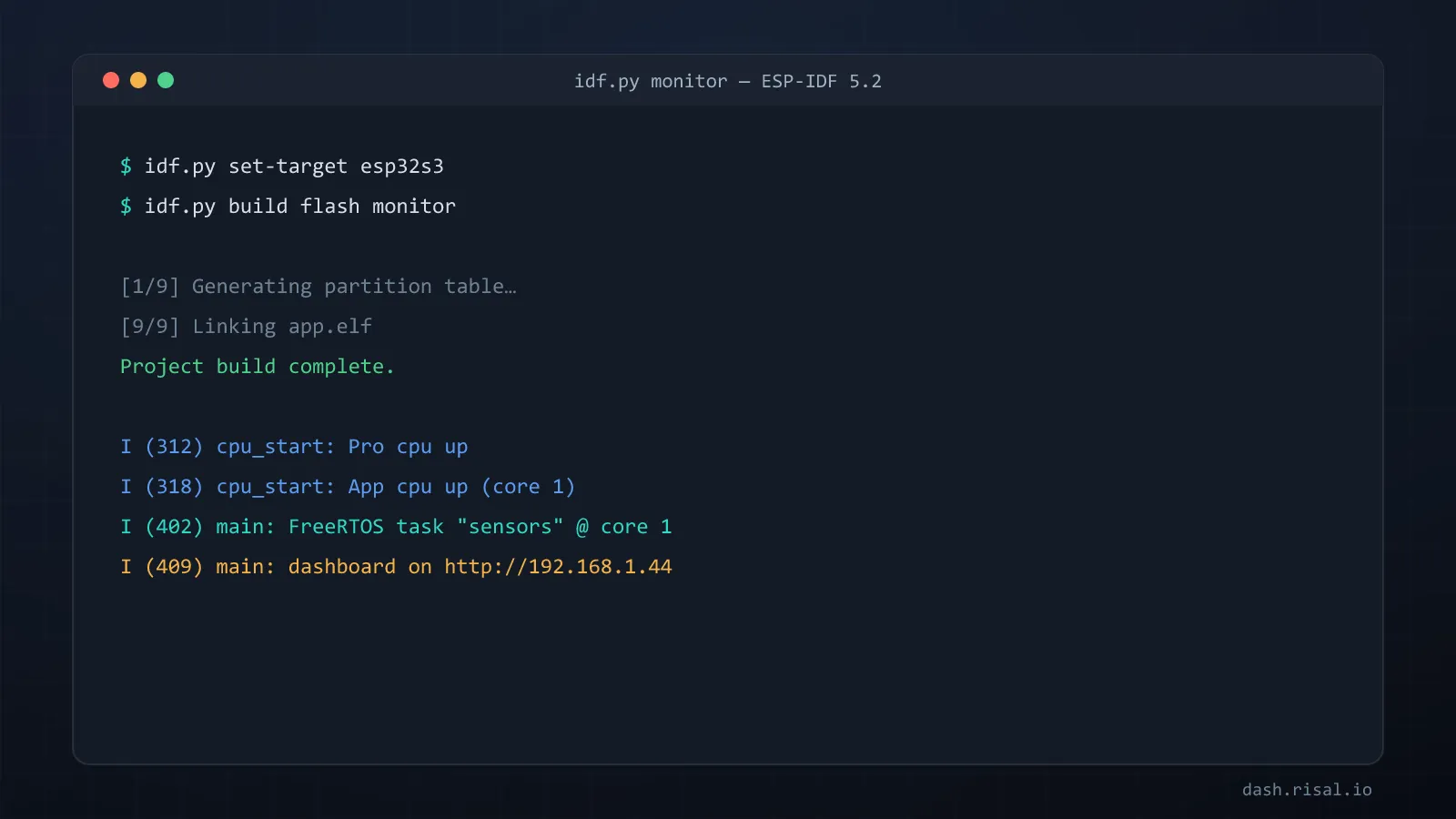
ESP-IDF is Espressif’s own C framework — the one the Arduino core is actually built on top of. It hands you everything: FreeRTOS tasks, both CPU cores, fine power management, every peripheral, and the newest chip features first. That power comes with more setup and boilerplate, so it’s the pick for serious products where you need control the Arduino layer hides. You can even mix them — pull an IDF component into an Arduino sketch.
ESPHome — a smart home with no code
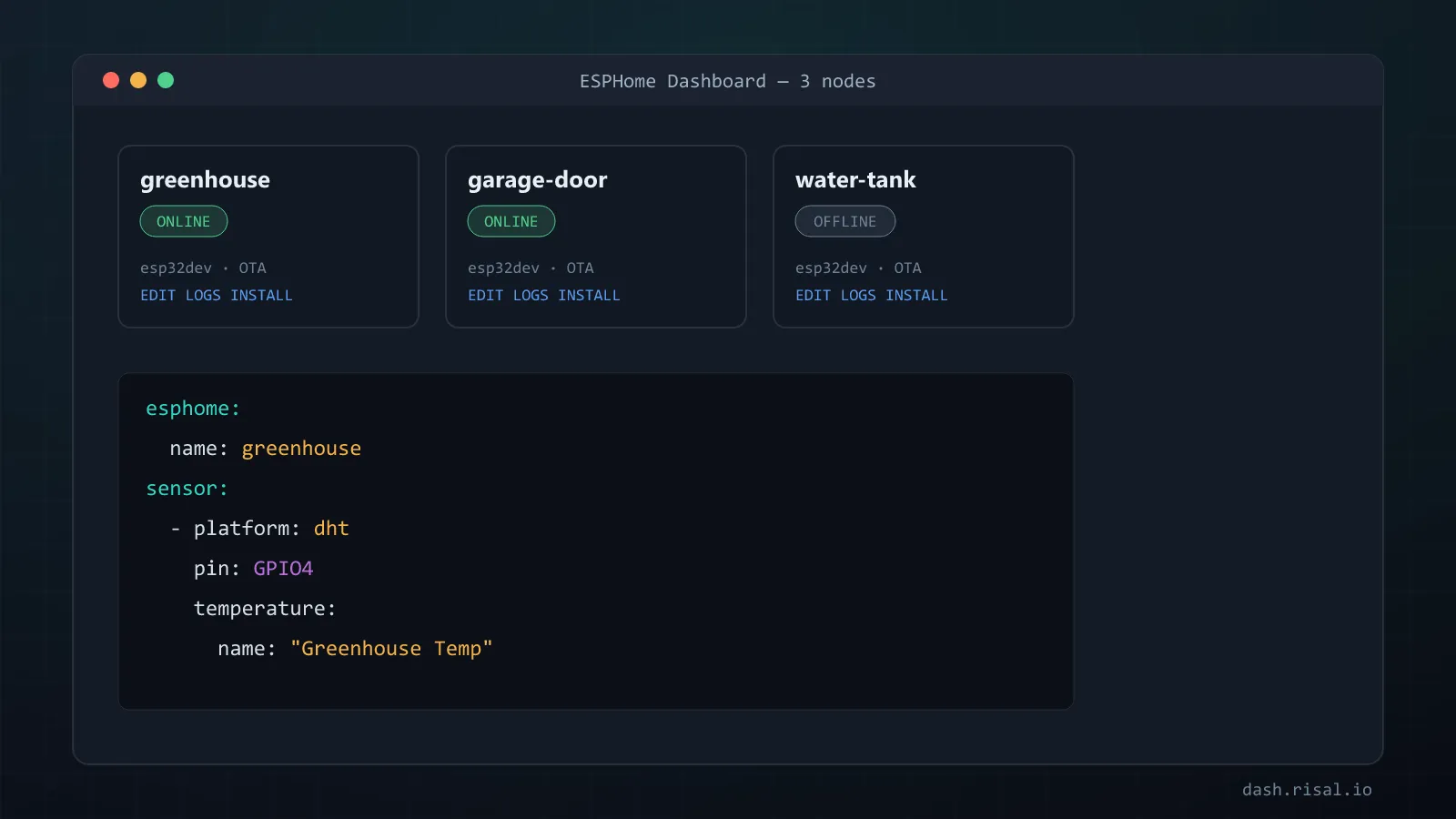
ESPHome (and Tasmota) skips programming entirely: you describe the device in a YAML config — “this pin is a relay, that one a DHT22” — and it compiles and flashes the firmware for you, with first-class Home Assistant integration out of the box. For standard home-automation nodes (sensors, switches, lights) it turns a weekend project into five minutes. The limit is exactly its strength: you’re bound to what the YAML components expose — step outside that and you’re back to C++.
The 30-second decision
| Stack | Best for | Speed / control | Learning curve |
|---|---|---|---|
| C++ (Arduino) | most projects, the default | high | medium |
| MicroPython | learning, quick prototypes | lower | gentle |
| ESP-IDF | serious products, full control | highest | steep |
| ESPHome | Home Assistant nodes, no code | fixed by components | none |
Rule of thumb: building something custom → Arduino C++ (ESP-IDF if you need the deep control); learning or spiking an idea → MicroPython; a standard Home Assistant sensor or switch → ESPHome. And these aren’t walls — plenty of people prototype in MicroPython, ship in C++, and drop to ESP-IDF for the one tricky part.
Going with C++? A full web dashboard from a few lines — gauges, charts, toggles.