
Project · ESP32-CAM · Time-lapse
A time-lapse camera from a $7 board
A construction site, a growing plant, a sky full of clouds — time-lapse turns hours into seconds, and an ESP32-CAM does the whole job: shoot a JPEG on schedule, save it to MicroSD, and serve a live dashboard where you watch the shot counter climb and the SD card fill — from your phone.
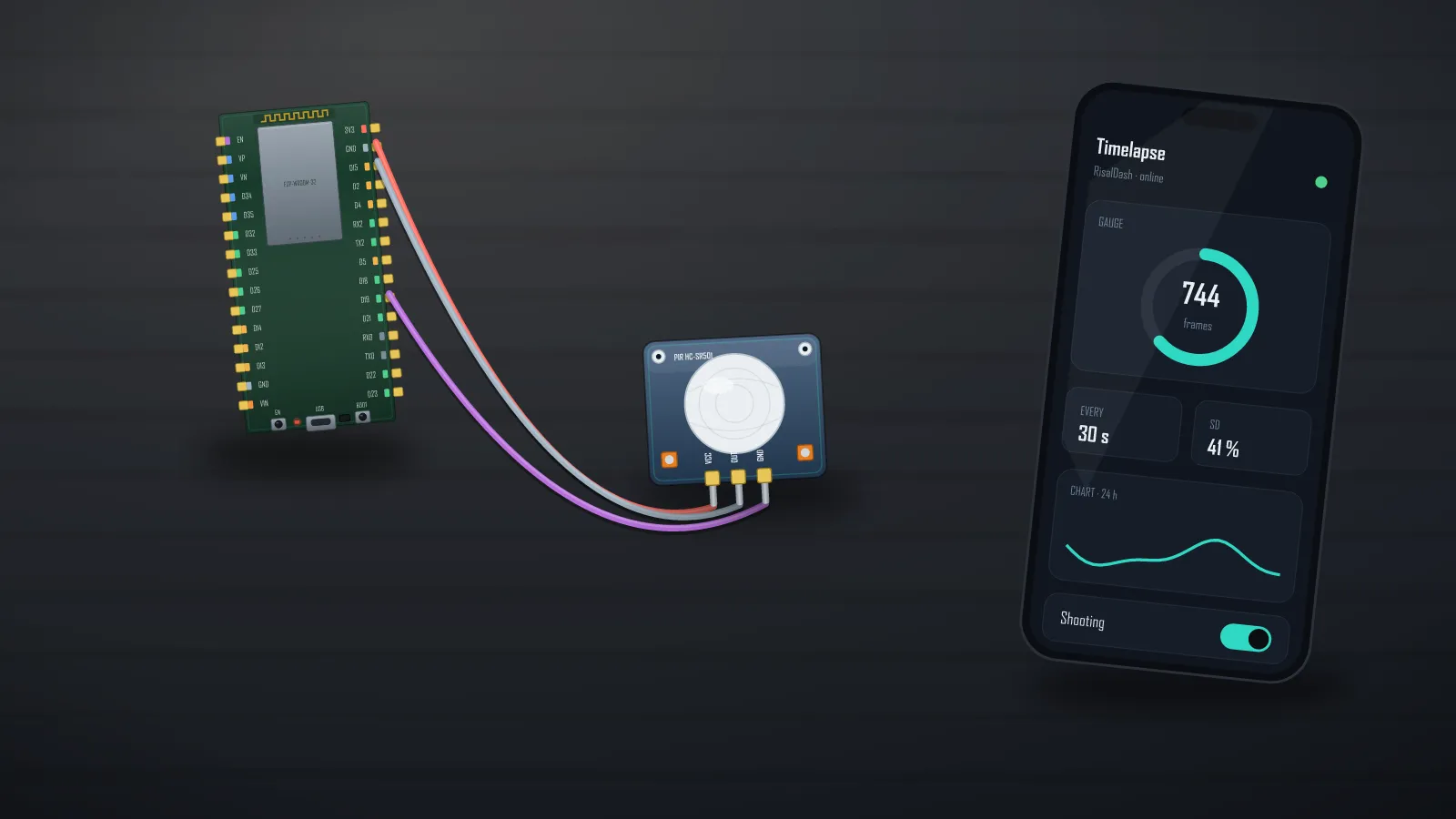
Capture → SD, the whole loop
The OV2640 compresses to JPEG in hardware, so a frame is grab → write → return. Numbered filenames
(/0001.jpg…) make the ffmpeg step trivial later. Two rules keep it stable: always
esp_camera_fb_return() the buffer, and mount the card with
SD_MMC.begin("/sdcard", true) — 1-bit mode, which frees the flash-LED pin:
void capture(const char* why) {
  camera_fb_t* fb = esp_camera_fb_get();           // grab a JPEG frame
  if (!fb) { if (evlog) evlog->print("Capture FAILED"); return; }
  char name[16];
  snprintf(name, sizeof(name), "/%04u.jpg", (unsigned)++shotNo);
  File f = SD_MMC.open(name, FILE_WRITE);
  if (f) { f.write(fb->buf, fb->len); f.close(); shots = shotNo; }
  esp_camera_fb_return(fb);                        // ALWAYS return the frame buffer
  if (evlog) evlog->print(String(why) + " -> " + name);
}

// loop(): a shot every CAPTURE_EVERY_S seconds
if (millis() - lastShot > CAPTURE_EVERY_S * 1000UL) { lastShot = millis(); capture("Timer"); }
The dashboard — watch it work
A blind camera in a case is nerve-wracking. Five widgets fix that — photo count, SD fill gauge, card status, a manual “Shoot now” button and a capture log:
dash.layout("Trap", RICON_MOTION);
dash.stat("Photos", &shots, "");
dash.gauge("SD used", &sdUsedPct, 0, 100, "%").variant("bar");
dash.led("SD ready", &sdOk);
dash.button("Shoot", "Capture now", []() { capture("Manual"); });
evlog = &dash.log("Captures", 6);
dash.beginAP("RisalDash-CamTrap", "12345678");

sdOk = SD_MMC.begin("/sdcard", true);   // 1-bit mode frees the flash-LED pin
The shipped sketch is examples/06_Projects/CamTrap with
MODE_TIMELAPSE 1 — the same build flips into a
PIR camera trap with one define.
Choosing the numbers
| Setting | Go-to | Why |
|---|---|---|
| Resolution | SVGA 800×600 | sharp enough, ~40–80 KB/shot — see the image-settings guide |
| JPEG quality | 10 | the sweet spot of size vs detail |
| Interval | 30 s (clouds) · 5 min (plants) · 15 min (construction) | match the subject's speed |
| Timestamps | NTP when on Wi-Fi | a DS3231 RTC only if fully offline |
A 32 GB card at SVGA holds roughly half a million shots — the battery gives out long before the storage. For weeks-long runs, power from a wall adapter or pair a big LiFePO4 cell with deep sleep between shots.
Turning shots into video
ffmpeg -framerate 30 -i %04d.jpg -c:v libx264 -pix_fmt yuv420p timelapse.mp430 fps means every second of video eats 900 shots at a 30 s interval — 7.5 hours of real time. That's the magic ratio to plan around.
Same board, same sketch — one define turns it into a motion-triggered trap.