
Guide · ESPHome · No-code
ESPHome: describe it, don’t code it
If your goal is “this pin is a relay, that one a temperature sensor, put them in Home Assistant,” you don’t need to write firmware at all. ESPHome takes a short YAML file, compiles it into an ESP binary, flashes it, and the device shows up in Home Assistant — updates included. Here’s the whole idea, a real config, and where its limits are.
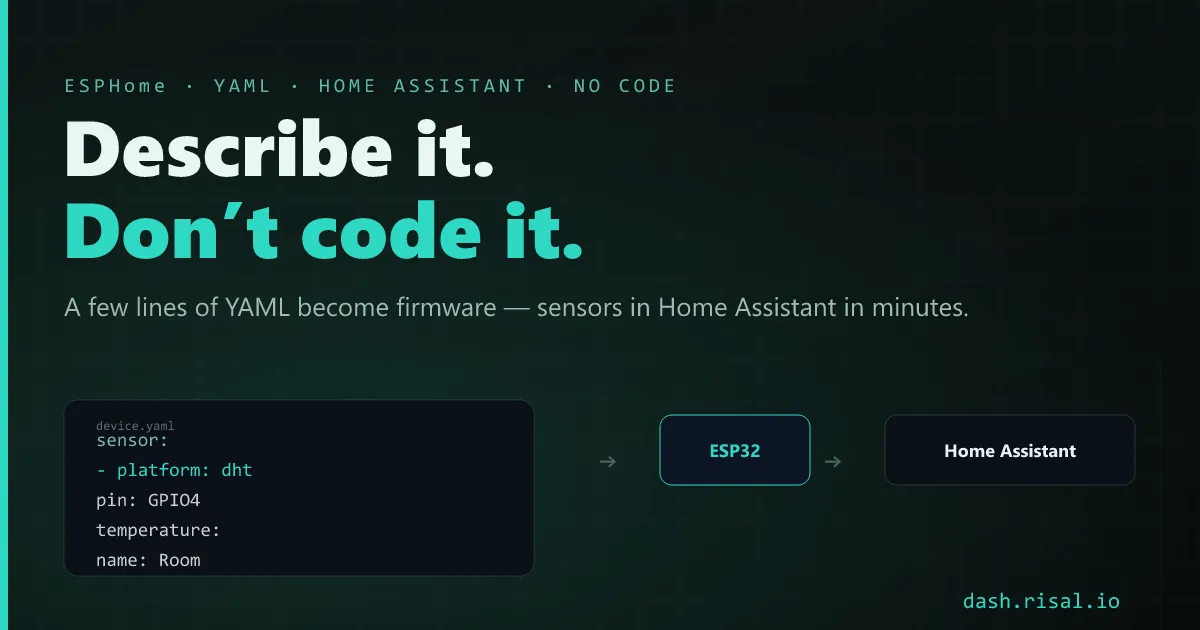
No code, but not no power
ESPHome flips the usual order: instead of writing C++ and wiring up an integration, you describe the device and let the toolchain generate the firmware — Wi-Fi, OTA updates, and native Home Assistant discovery all included. It’s the no-code end of the ESP32 stacks, and for standard home-automation nodes it turns a weekend into ten minutes.
A device is a YAML file
The config is the device. Declare the board, the Wi-Fi, and the components you’ve wired:
esphome:
  name: porch
esp32:
  board: esp32dev

sensor:
  - platform: dht
    pin: GPIO4
    temperature:
      name: "Porch temp"

switch:
  - platform: gpio
    pin: GPIO26
    name: "Porch light"
Flash once over USB, and from then on it updates over the air — edit the YAML, hit install, no cable. That DHT and that relay are already live entities in Home Assistant, ready for dashboards and automations.
When you need more: a dash of C++
The ceiling is exactly the component list. Need something ESPHome doesn’t model — a quirky I²C chip, a custom calculation? You can drop a small lambda (inline C++) into the YAML, or write a full custom component — so you rarely hit a hard wall, you just fall back to code for the one tricky part. For a display, pick the screen first in the displays guide; ESPHome drives most of them from YAML.
ESPHome vs doing it yourself
| Approach | Effort | Flexibility | Best for |
|---|---|---|---|
| ESPHome (YAML) | tiny | bound to components | standard HA sensors & switches |
| Arduino + MQTT | medium | full | custom logic, your own topics |
| RisalDash | a few lines | its widgets | a served dashboard, not HA |
Rule of thumb: a standard Home Assistant node → ESPHome; custom logic or your own broker → Arduino + MQTT; a device that serves its own UI → a dashboard library. They coexist happily — plenty of homes run all three.
Want the device to serve its own UI instead? A dashboard from a few lines of C++.